Using Claude Code

It's been a while since my last post.

There are many keywords buzzing around these days—war, stocks, Trump, and more—but without a doubt, the one capturing the most public attention is AI, or Artificial Intelligence.

When ChatGPT first appeared about three years ago, I realized that humans aren't the only ones I can have a conversation with. I was amazed to see how well it understood me, using words so thoughtful—offering empathy, solutions, and even polite refusals—that it was hard to believe it was a machine. Since then, with voices added and impressive images generated, it has been handling tasks that used to take me hours. Now, it's hard to imagine what life would be like without AI.

Shortly after, competitors to OpenAI began to emerge one by one. Today, Google, Anthropic, and xAI are all in the race. Among them, the AI I use most frequently is Anthropic's Claude Code.

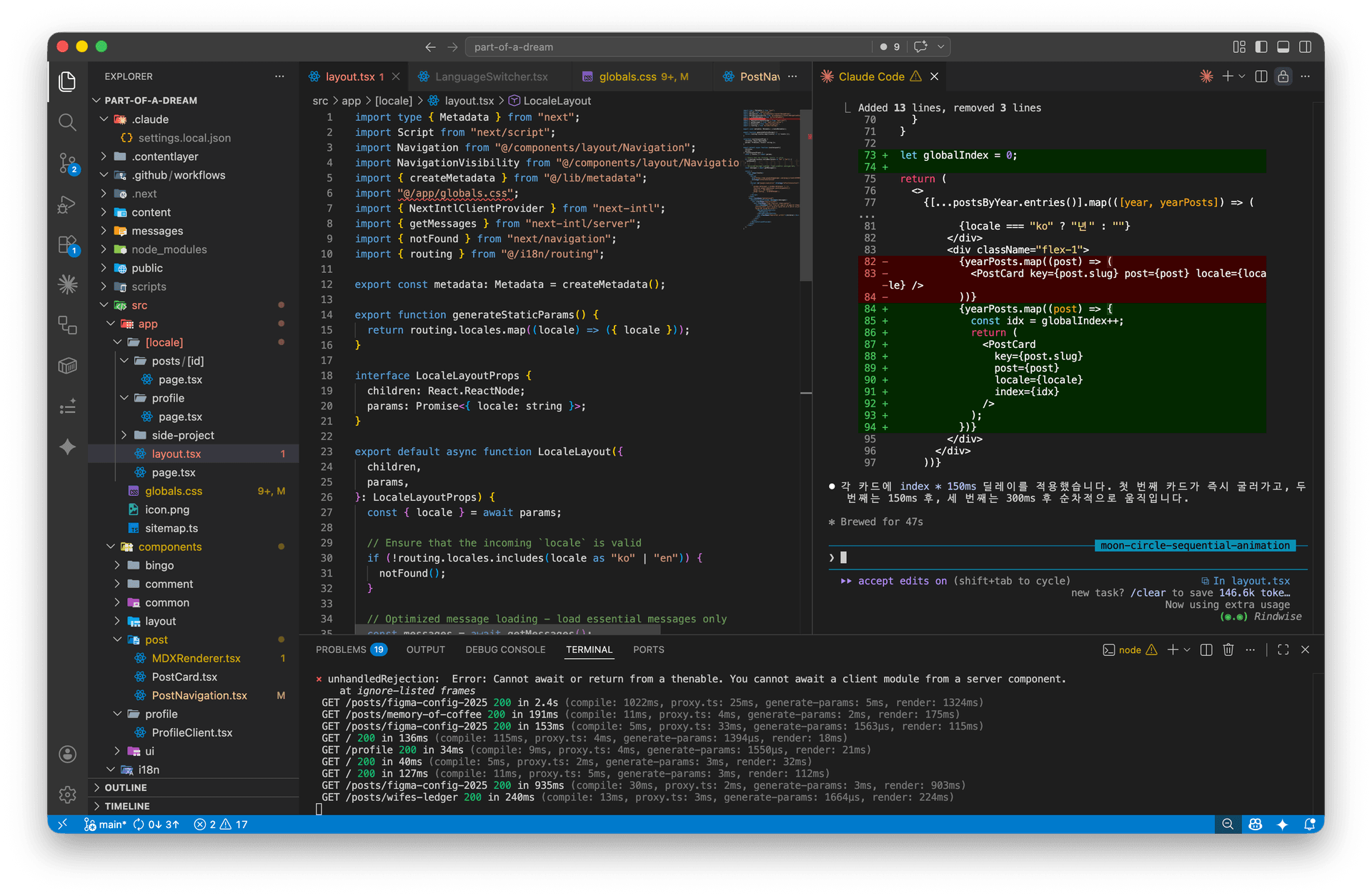
Claude Code is an excellent developer

Back in middle school, I wanted to follow in my father's footsteps and become an engineer. Seeing his workshop filled with strange green circuit boards and the acrid smell of solder seemed incredibly fascinating to my young eyes. I also enjoyed learning Photoshop, Excel, and Hangul (word processor) at the computer academy I attended. Then, one day, they introduced us to Visual C++. That was my first encounter with an IDE. The moment my screen was filled with unfamiliar words and alphabets, my interest evaporated. I barely looked at code after that.

Memories of Visual C++

Ironically, I now spend most of my working hours looking at Visual Studio again. Although my monitor is still full of unfamiliar terms and alphabets, I now have a friend who corrects those words for me. By simply saying things like "Fix this error" or "Apply this design," Claude writes the code I want without me having to type out every single character myself.

For instance, I've been cooking every morning lately to stay healthy. I shop for groceries online almost every day, but I often find myself unsure whether I've already bought items like frozen chicken breast or parsley. So, with a simple idea like "Maybe I should build an inventory management service," I created a small app over the weekend. When I showed it to my wife, she said she wouldn't use her old "Reminders" grocery list anymore. Now, if I need a tool, I can just build it myself—all thanks to AI.

The home inventory tracking app I built over the weekend

It's the same at work. At the companies I've worked for, we tend to switch design tools quite often. To avoid being dependent on any single tool, we put a lot of effort into preserving our various policies. However, gathering records scattered across multiple tools is no easy feat. There were days when I spent the entire day just copying, pasting, and checking for consistency.

Now, AI aggregates all that data into a single source. I set up a small database for the team and create Figma plugins, scripts, and Power Automate logic that interact with it. We update new data using client-side Cron jobs. This process is becoming faster and more sophisticated. Whether it's navigating through tool errors or suggesting ways for teams to communicate, it quickly finds the standard for me.

Figma stock price is unusual...

AI is even proofreading and translating this post, and I'm publishing this blog with the help of AI as well. I'm creating my own products without relying solely on Naver or Google. I'm not sure how long this freedom will last. New features come out every day and it can be overwhelming, but I intend to keep adapting as much as I can—just like we do in life.

Comments (0)

No comments yet. Be the first to leave one!

Leave a comment